
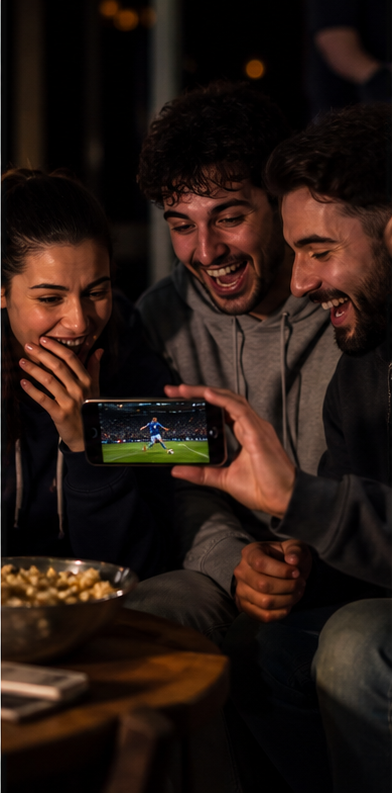
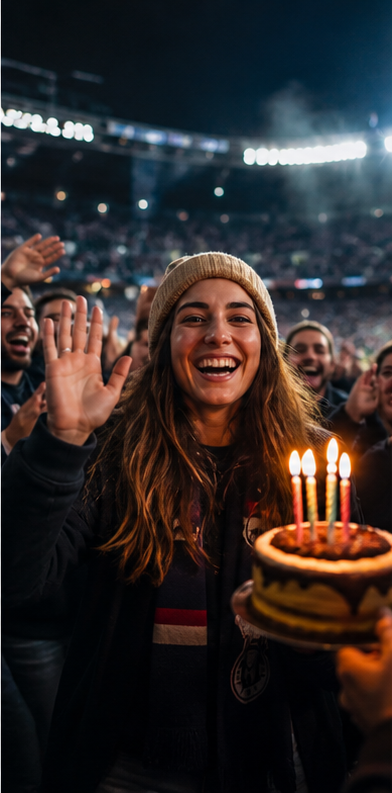
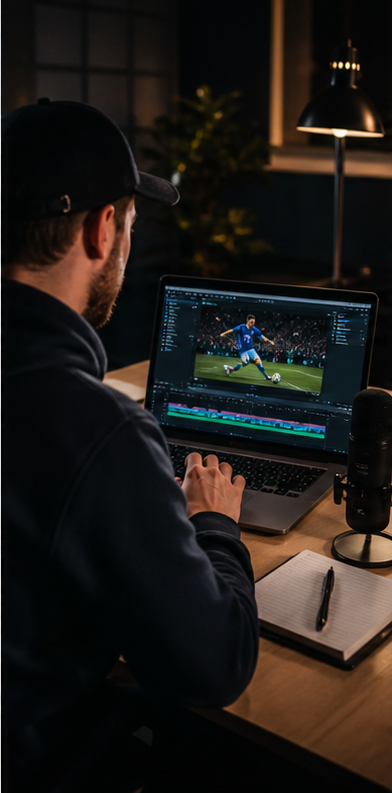
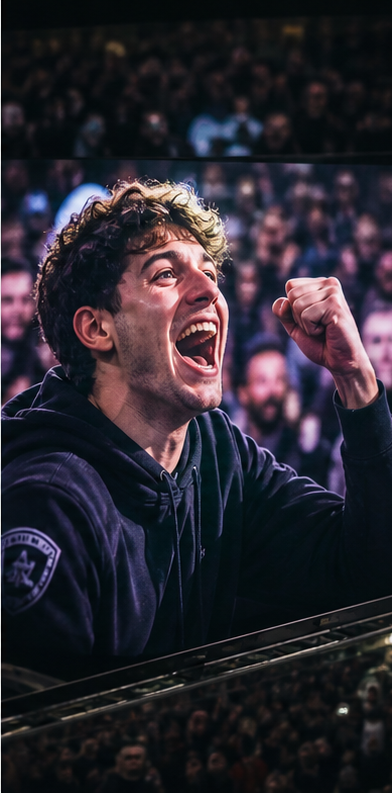
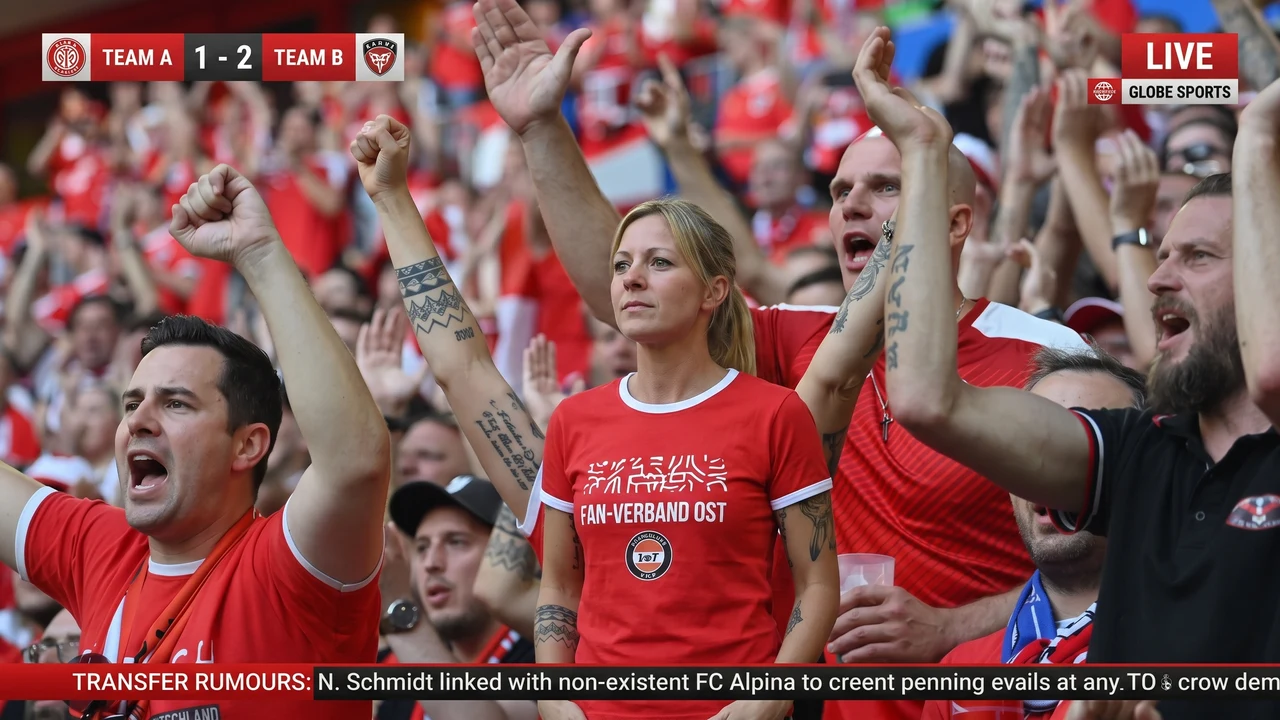
 Футбольная трансляция16:9
Stadium Camera Video
Create a polished video with Stadium Camera Video using a guided production workflow.
Создать своё видеоbaseball
0:08 / 0:15
Твоя идея в ролике
Одно видео можно обыграть по-разному.
Возьмите готовый сценарий или придумайте свой.
Создайте свой момент в эфире
или
JPG, PNG или WEBP · до 12 МБЛучше всего — чёткий портрет одного человека, лицо хорошо видно, без сильного размытия, очков и перекрытий.
Можно уточнить образ, одежду или отдельные детали.
Выберите одно действие или опишите свой вариант ниже. Повторный клик снимает выбор.
Используется вместо выбранного действия. До 400 символов.
Оплата спишется только после успешного запуска.
Готовый результат
ГЕНЕРАЦИЯ ВИДЕО
Создаём ваше видео
Обычно это занимает 3–5 минут. Можно оставить страницу открытой.
Подготавливаем кадрВ очереди
Примеры генераций пользователей
Футбольная трансляция16:9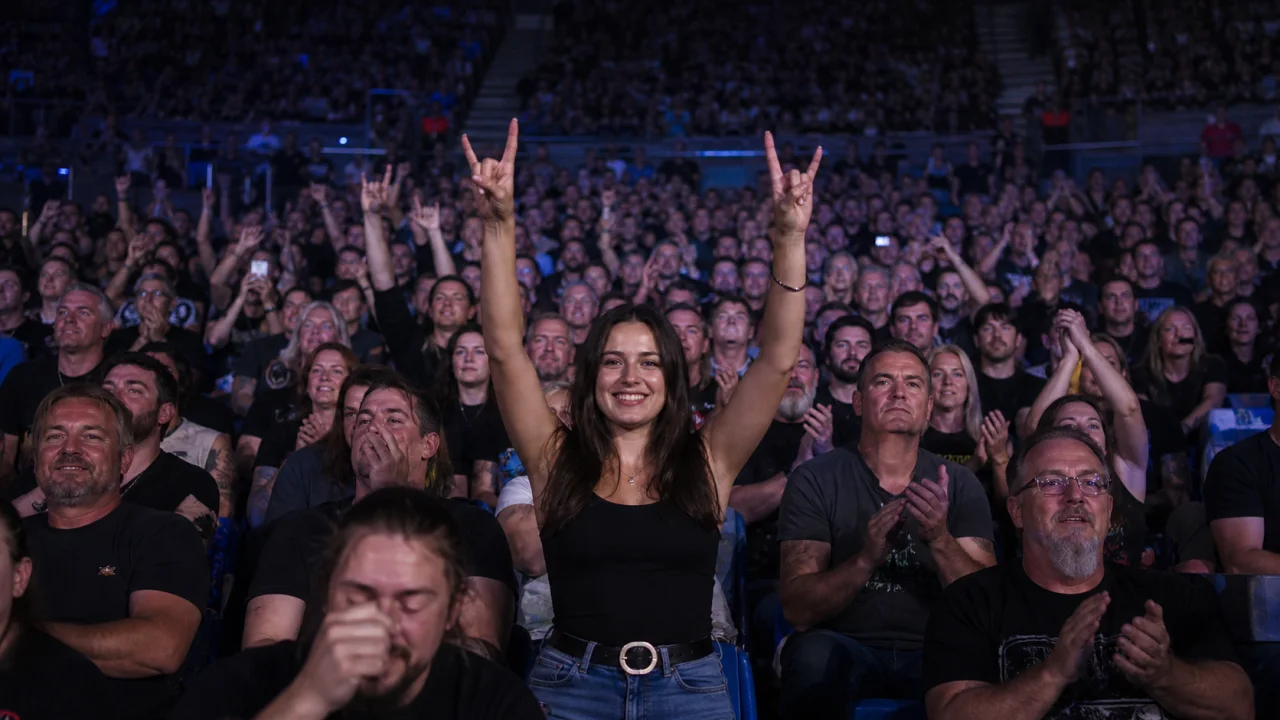 Концерт9:16
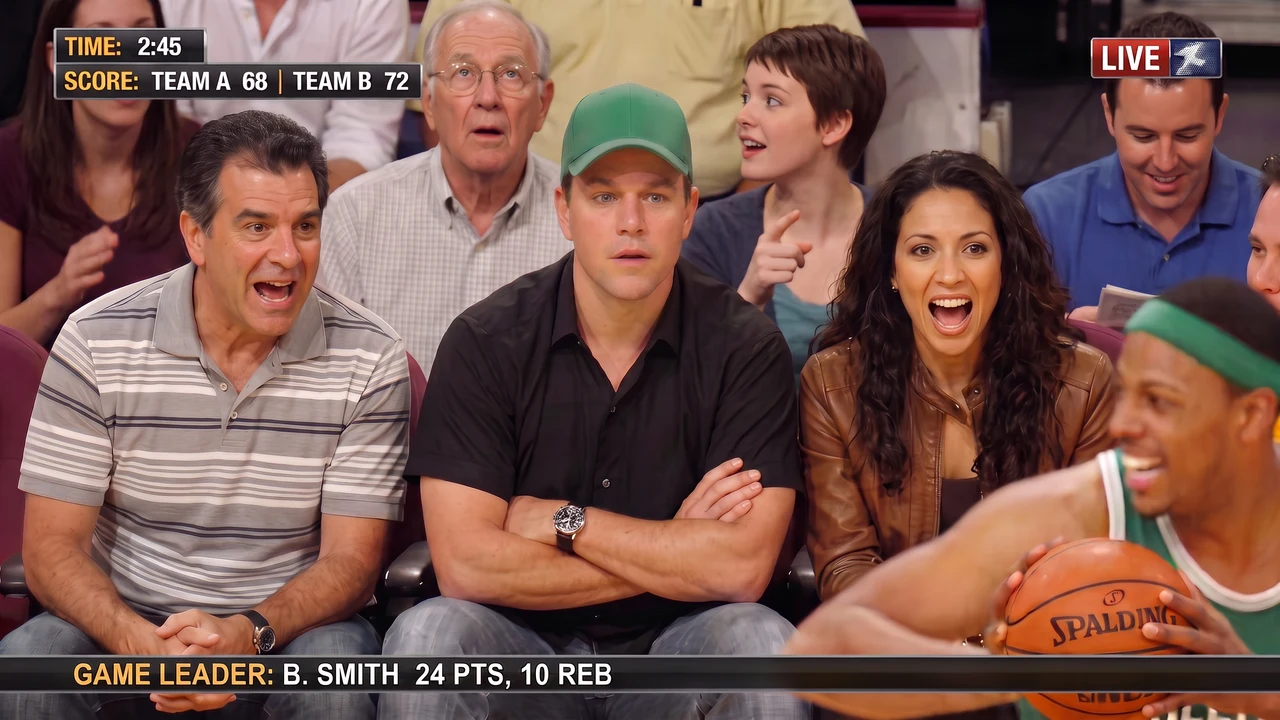 Баскетбол1:1
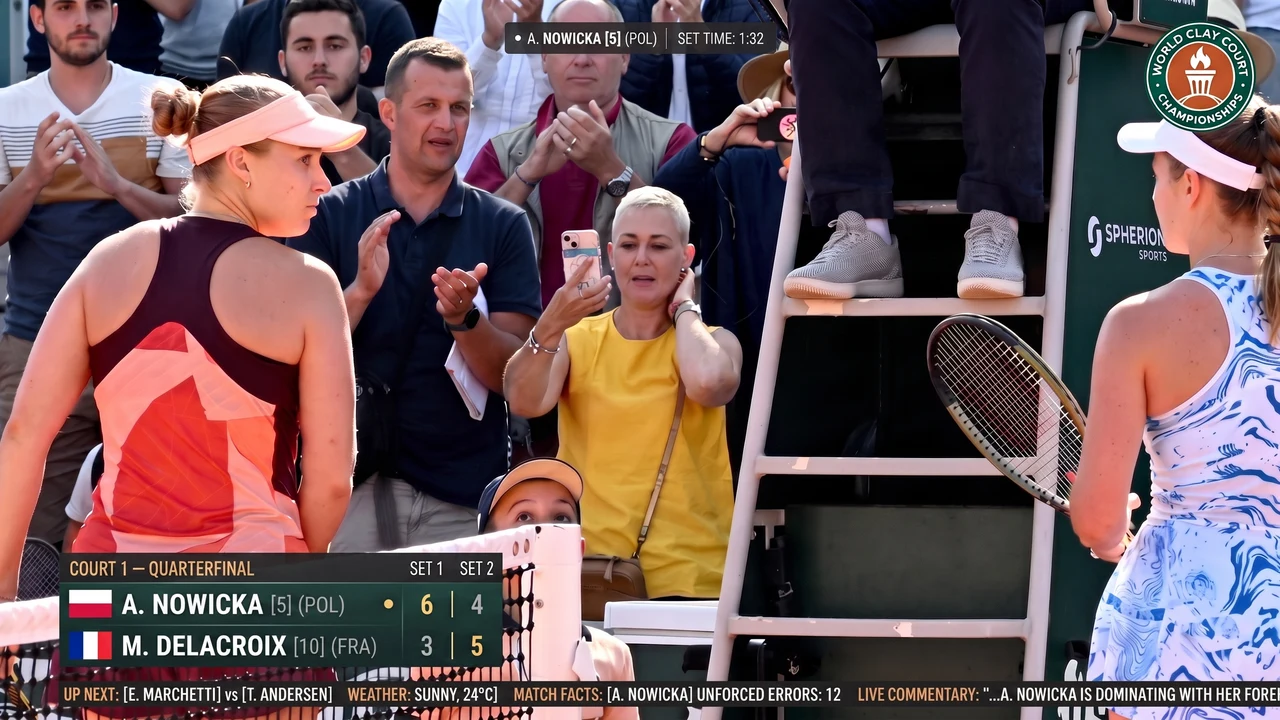 Теннис4:5
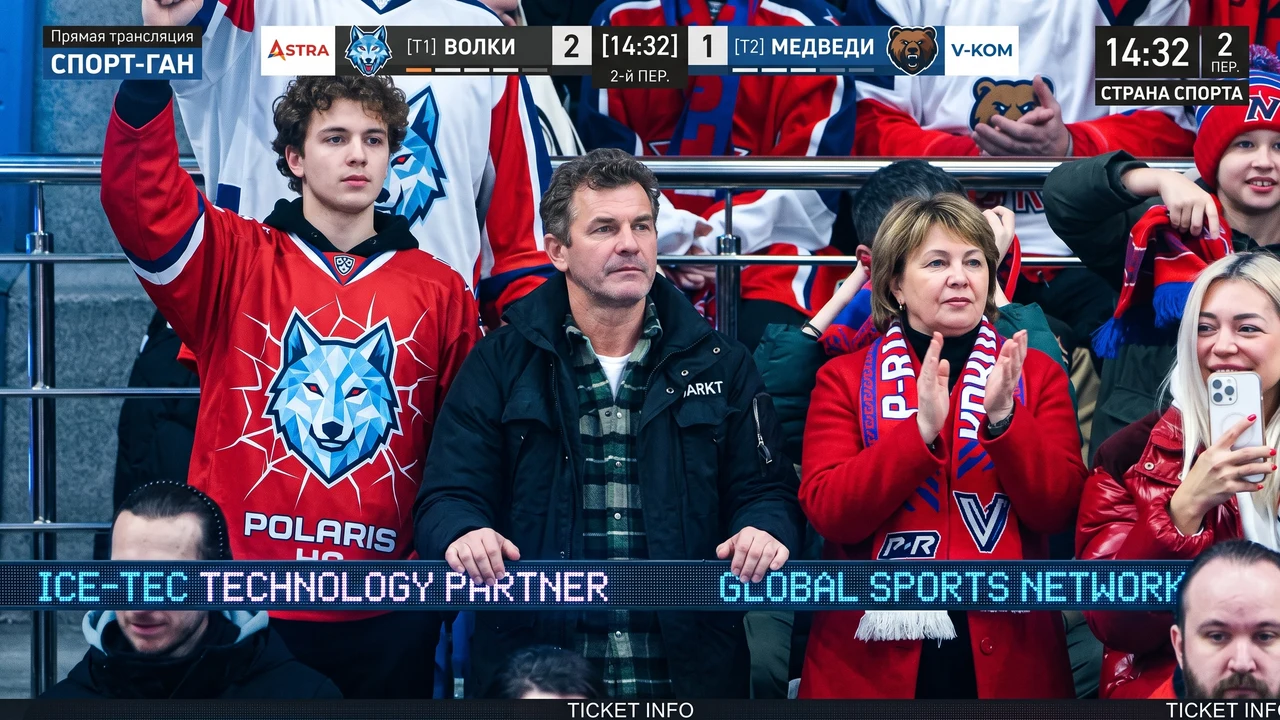 Хоккей4:3
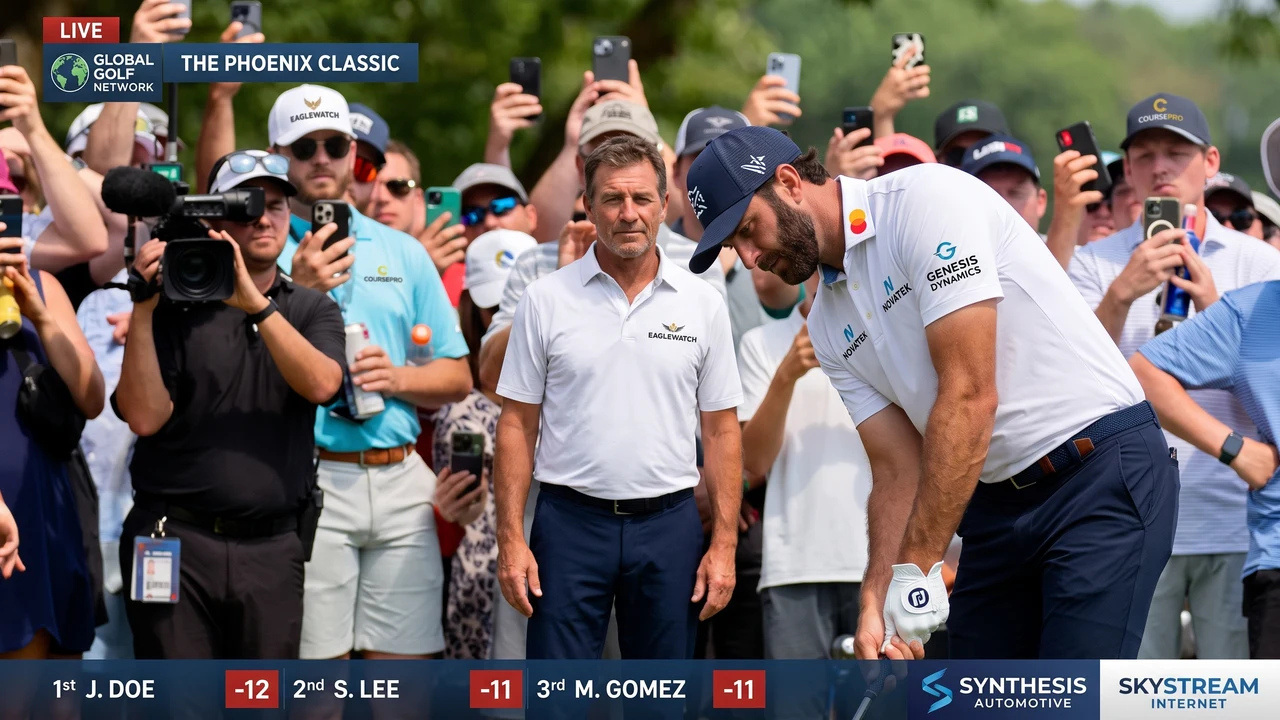 Гольф16:9
 Стендап9:16
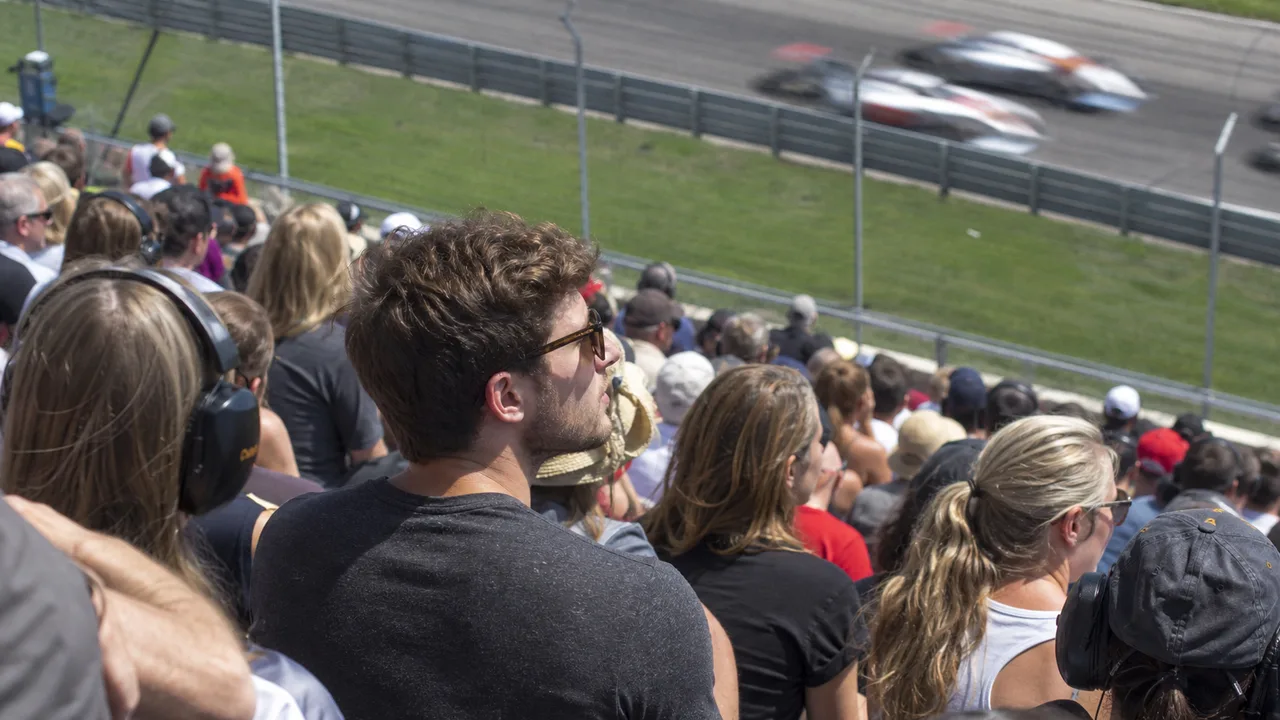 Автоспорт1:1
 Скачки4:5
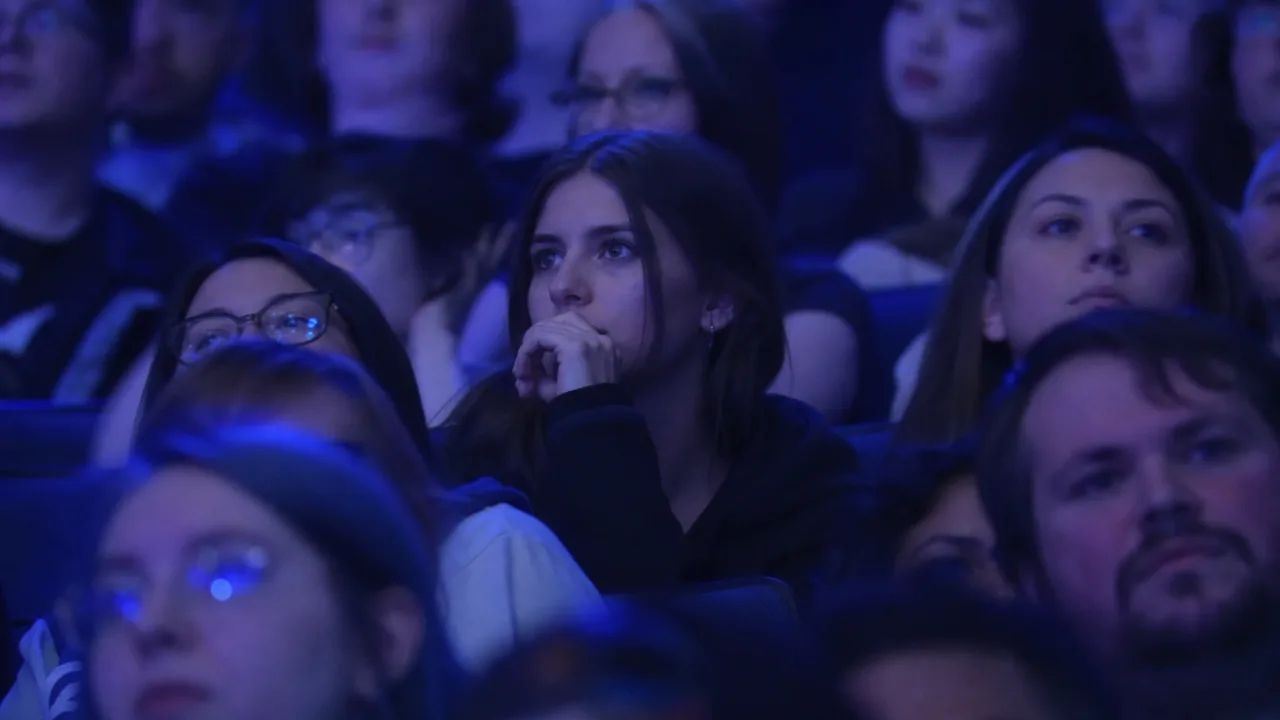 Киберспорт4:3
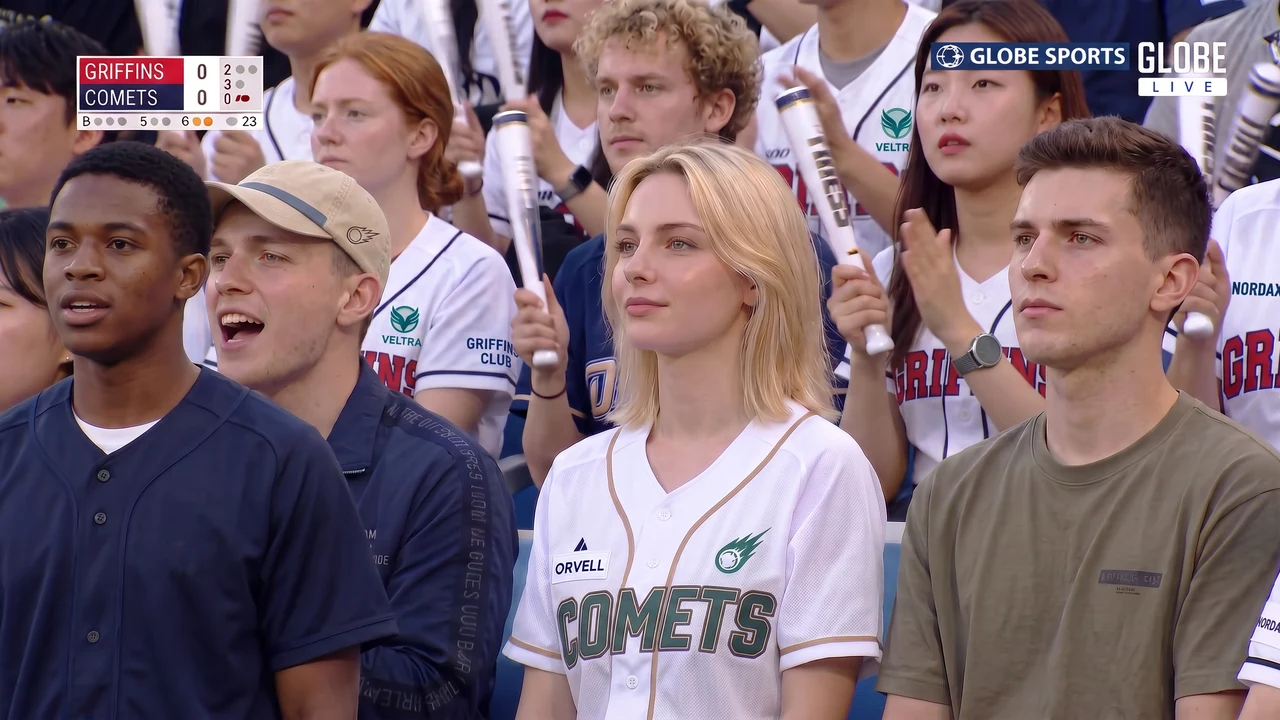 Бейсбол4:3Хоккей у борта4:5Теннис1:1Рок-концерт9:16Киберспорт16:9Автоспорт4:3Стендап4:5Гольф1:1Скачки9:16Футбол16:9
Один тариф — на все сервисы Generonium
Кредиты не привязаны к этому видео. Один баланс тратится в любом из 395 сервисов, приложений и генераторов Generonium: видео, фото, звук, тексты, чат и утилиты. Отдельная подписка под каждый инструмент не нужна.
Что получится
Эффект живой трансляцииВы окажетесь среди зрителей, как в кадре эфира.
Выбранная сценаМатч, концерт, киберспорт или стендап с нужной атмосферой.
Живая реакцияУлыбка, жест или ваш сценарий с естественным движением и звуком.
Частые вопросы: stadium camera video
What does Stadium Camera Video do?
It provides a focused video workflow with the model, prompt structure and controls prepared in advance.
Do I need to write a complex prompt?
No. Fill in the visible fields; Generonium builds the production request automatically.
How much does it cost?
The current token price is shown on the launch button before the task is submitted.
Are my uploads public?
No. Source materials and results are private unless you explicitly choose to share them.
What happens if a provider is unavailable?
The gateway can use configured fallback providers; confirmed technical failures do not consume the final charge.
Where can I find the result?
The result appears on the service page and is retained in your account history when you are signed in.
Частые вопросы: stadium camera video
Stadium Camera Video is a purpose-built Generonium service. Add a suitable source file and clear preferences, review the available controls and launch a production model without writing a complex technical prompt.
Для старта подойдёт чёткий портрет одного человека. Справа собрали ответы о доступных сценах, требованиях к фото, стоимости и приватности.
Создать своё видеоВыберите фото из истории
Доступны готовые изображения из ваших генераций.
Загружаем историю…
Your materials remain yours
Uploads are used for the requested generation and are never published automatically.
Capabilities
More control over the result
Ready-to-use workflow
The Stadium Camera Video workflow already includes the model routing and prompt structure required for a reliable result.
Clear controls
Only settings that materially affect the output are shown, so the service stays quick and understandable.
Transparent cost
The exact token cost is displayed before launch; provider failures are handled by the platform.
Private by default
Uploaded materials are used for the requested generation and are not published automatically.
How to get the best result
A clear process from input to final output
Add your input
Provide a suitable source file and clear preferences. Use a clear, complete source whenever a file is required.
Choose the settings
Select the format, style, quality and other options relevant to your task.
Start generation
Review the token price and submit the task to the production gateway.
Check the result
Inspect important details and save the final file or text from your history.
Practical tips
What improves quality
- ✓Use a clear source without heavy compression.
- ✓Describe the main subject and desired result first.
- ✓Avoid conflicting requirements in one request.
- ✓Check names, facts and small details before publishing.
Use cases
From an idea to a practical result
Content production
Use Stadium Camera Video to prepare assets for websites, social media and presentations.
Business tasks
Create a practical first version faster and refine it for your brand or workflow.
Creative projects
Explore several directions before investing in full manual production.
Personal use
Create a polished result without installing specialist software.
Who will find it useful
Useful for your work
Only professional use cases where this service's output can genuinely be applied are shown.
Marketing assets
For marketers
Useful when you need a video draft, animation or scene variation for further work.
View collection →Video and editing assetsFor videographers and editors
Useful when you need a video draft, animation or scene variation for further work.
View collection →Publishable contentFor bloggers and content creators
Useful when you need a video draft, animation or scene variation for further work.
View collection →Practical scenarios
Examples of tasks you can solve
Concrete ways to apply the result at work or in a personal project, without vague promises.
Create a video from a ready story
Stadium Camera Video: create a polished video with Stadium Camera Video using a guided production workflow. Use it as a fast first working version.
Explore a scene idea before production
Stadium Camera Video: create a polished video with Stadium Camera Video using a guided production workflow. Compare the result with the source and alternative approaches.
Prepare an effect for social media
Stadium Camera Video: create a polished video with Stadium Camera Video using a guided production workflow. Review facts, details and platform requirements before publishing.
Clear, concise answers
Frequently asked questions
What does Stadium Camera Video do?+
It provides a focused video workflow with the model, prompt structure and controls prepared in advance.
Do I need to write a complex prompt?+
No. Fill in the visible fields; Generonium builds the production request automatically.
How much does it cost?+
The current token price is shown on the launch button before the task is submitted.
Are my uploads public?+
No. Source materials and results are private unless you explicitly choose to share them.
What happens if a provider is unavailable?+
The gateway can use configured fallback providers; confirmed technical failures do not consume the final charge.
Where can I find the result?+
The result appears on the service page and is retained in your account history when you are signed in.